A smart wireless doorbell camera enhances home security by providing real-time alerts, live video streaming, and two-way communication directly to your smartphone, allowing you to monitor your doorstep from anywhere. These devices replace traditional doorbells, acting as a vigilant guardian for your home with features like high-definition video and advanced motion detection. They offer a powerful blend of security, communication, and peace of mind, making them a key component for modern home safety.
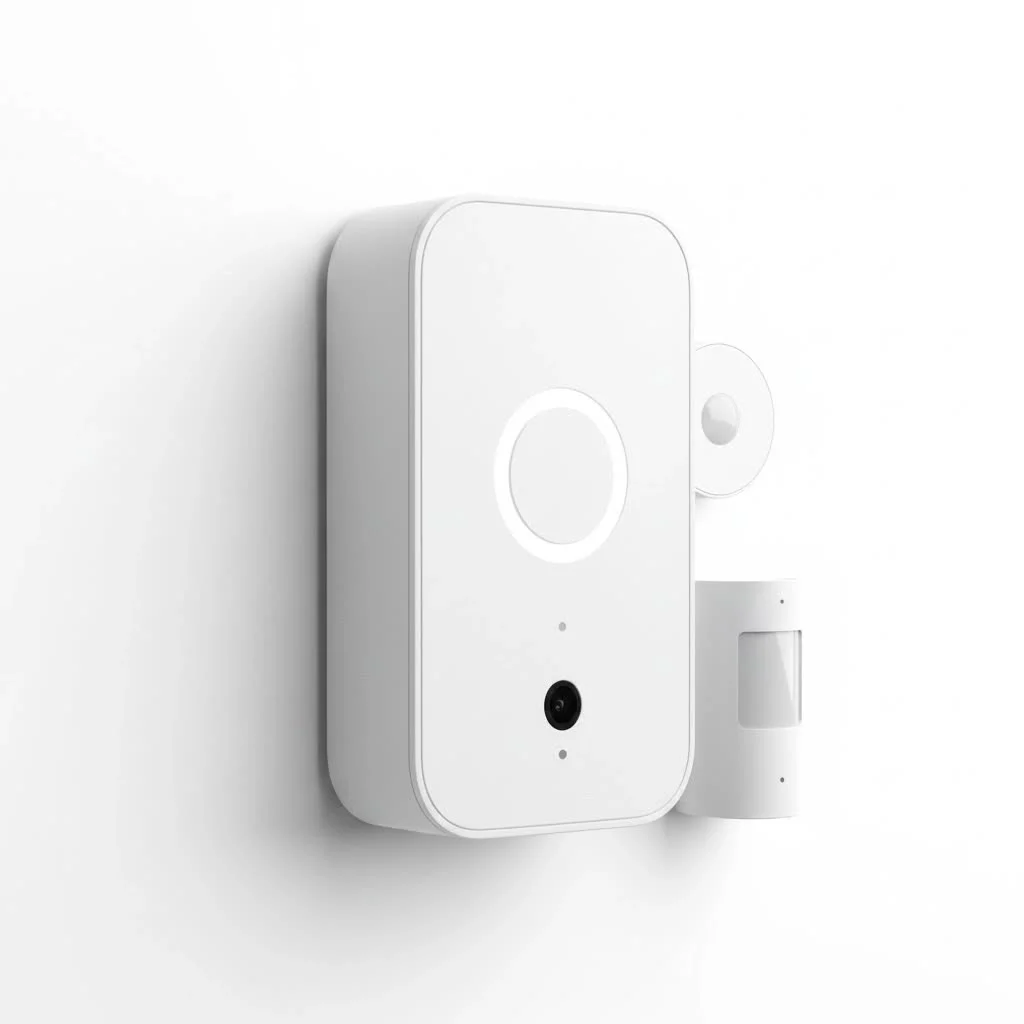
Understanding Smart Wireless Doorbell Cameras
At its core, a smart wireless doorbell camera is a battery-powered or wirelessly connected device that replaces your traditional doorbell. When someone presses the bell or simply approaches your door, it springs into action, sending real-time alerts directly to your smartphone, tablet, or smart display. No need for complex wiring; these systems leverage your home’s Wi-Fi network to stream live video, record events, and enable two-way communication, making them incredibly flexible for various home setups. For compare top smart home on this site.
How Do Smart Wireless Doorbell Cameras Work?
Imagine having eyes and ears at your front door, accessible from anywhere in the world. That’s the magic of a smart wireless doorbell camera. It connects to your home’s existing Wi-Fi network (typically supporting both 2.4GHz and 5GHz bands for robust connectivity) to send data. When its motion sensors detect activity or a visitor presses the button, the camera instantly captures video. This footage, along with an alert, is then streamed to your linked mobile app, allowing you to see, hear, and even speak to whoever is there, regardless of whether you’re relaxing on the couch or halfway across the globe. Many models are powered by long-lasting rechargeable batteries, offering significant installation flexibility without the need for existing doorbell wiring.
Key Features of Smart Wireless Doorbell Cameras
The real power of a smart wireless doorbell camera lies in its impressive array of features designed to make your home safer and your life easier.
Video Quality and Field of View
Crystal-clear vision is paramount for security. Most smart wireless doorbell cameras offer high-definition (HD) video, often ranging from 1080p to 2K or even 1664p HDR, ensuring you get sharp images day and night. An expansive field of view is equally critical. Look for cameras with wide-angle lenses (e.g., 160°, 180°, or even 180°x180° head-to-toe views) to capture a broader area around your doorstep, minimizing blind spots and letting you see everything from a visitor’s face to packages placed on the ground.
Two-Way Talk
This feature is a major upgrade. Equipped with a microphone and speaker, two-way talk allows you to have a real-time conversation with anyone at your door through your smartphone app. You can instruct a delivery person where to leave a package, deter a suspicious loiterer, or simply greet a friend, all without physically opening your door. It adds a layer of convenience and control that traditional doorbells simply can’t match.
Advanced Motion and Package Detection
|
Our Picks for the Best Smart Doorbell in 2026
As an Amazon Associate I earn from qualifying purchases.
|
||
| Num | Product | Action |
|---|---|---|
| 1 | Tapo TP-Link Smart Video Doorbell Camera, Chime Included, 2K 5MP, Color Night Vision, 2-Way Audio, Free AI Detection, Cloud/SD Card Storage, Works w/Alexa & Google Home, D230S1 |

|
| 2 | 1080p Smart Video Doorbell Camera with AI Motion Detection, Night Vision, Cloud Storage, 2 Way Audio, Battery Powered, 2.4GHz Wi-Fi Only |
|
| 3 | Anti-Theft Video Doorbell Mount Compatible with Arlo Video Doorbell/Blink Doorbell Camera, Anti-Blocks Motion Sensor, Adjustable Mounting Bracket Accessories for Houses/Apartments/Rentals-Silver |
|
| 4 | Tapo by TP-Link Smart Video Doorbell Camera with Chime, Battery or Wired, 2K QHD Color Night Vison, No Monthly Fee, 180° Ultra-Wide Head-to-Toe View, Ring Call, Free AI Detection, Local Storage (D225) |
|
| 5 | ecobee Smart Video Doorbell Camera (Wired) - with Industry Leading HD Camera, Smart Security, Night Vision, Person and Package Sensors, 2-Way Talk, and Video & Snapshot Recording |
|
| 6 | Tapo by TP-Link Smart Video Doorbell Camera Wireless with Chime, 2K with Full Color Night Vision & Spotlights, No Monthly Fee, Ring Call, 160° Ultra-Wide View, Free AI Detection, Local Storage,D210 |
|
| 7 | Google Nest Doorbell (Wired, 3rd Gen) - 2K Video and Gemini, Live View, Night Vision, 2-Way Audio - Works with Google Home - 2025 Model - Snow |
|
| 8 | Google Nest Doorbell (Wired, 3rd Gen) - 2K Video and Gemini, Live View, Night Vision, 2-Way Audio - Works with Google Home - 2025 Model - Hazel |
|
| 9 | 1080P Smart Wireless Video Doorbell Camera with AI Motion Detection, Night Vision, Two-Way Talk, Cloud Storage, Indoor/Outdoor Surveillance, Battery Powered, 2.4GHz Wi-Fi |
|
| 10 | Arlo Video Doorbell 2K (2nd Gen, Latest Release), Wireless or Wired Option, 2-Way Audio, Night Vision, Head to Toe Video View, Package Detection, Person & Vehicle Recognition, 1-Month Secure Plan |
|
Gone are the days of constant false alarms from passing cars or swaying tree branches. Modern smart wireless doorbell cameras employ advanced artificial intelligence (AI) to differentiate between people, animals, vehicles, and, crucially, packages. Many systems allow you to define specific “motion zones” within the camera’s view, so you only receive alerts for activity in the areas that matter most to you, significantly reducing unwanted notifications. Some modern models even offer “proactive package protection,” using sounds or lights to deter potential thieves before they can act.
Night Vision
Security doesn’t take a break when the sun goes down. Integrated infrared (IR) night vision ensures that your doorbell camera captures clear footage in low-light conditions or complete darkness. This feature is vital for identifying visitors or monitoring suspicious activity around your property 24/7, providing continuous surveillance without interruption.
Storage Options (Cloud vs. Local)
When it comes to storing your video footage, you typically have two main options:
- Cloud Storage: Many manufacturers offer subscription plans that store your video recordings securely in the cloud. This provides easy access from any device and ensures your footage is safe even if the doorbell camera is damaged or stolen.
- Local Storage: Some models include an SD card slot, allowing for local storage of recordings. This can be a great option for those who prefer to avoid recurring subscription fees or want continuous 24/7 recording capabilities, even if the Wi-Fi temporarily goes down.
Smart Home Integration
A truly “smart” doorbell camera seamlessly integrates with your existing smart home ecosystem. Whether you use Amazon Alexa, Google Assistant, or Apple HomeKit, your doorbell can become a central part of your connected home. You can view the live feed on a smart display, have your smart speakers announce when someone is at the door, or even link it with smart locks to grant access remotely. This interconnectedness enhances both convenience and security.
Types of Smart Wireless Doorbell Cameras
While the term “wireless” implies battery power, it’s essential to understand the nuances of powering these devices.
- Battery-Powered Wireless Doorbell Cameras: These are the epitome of easy installation. They run entirely on rechargeable batteries, meaning you can mount them virtually anywhere without needing to run new wires. Battery life varies significantly by model and usage, typically ranging from a few weeks to several months on a single charge. They are ideal for renters or homes without existing doorbell wiring.
- Hardwired Smart Doorbell Cameras (with Wireless Connectivity): Many high-performance smart doorbells still connect to your home’s existing doorbell wiring for continuous power. However, they remain “wireless” in their data transmission, using Wi-Fi to communicate with your app and smart home devices. These models offer the benefit of never needing a battery charge and often provide advanced features or continuous recording options. Some brands even offer hybrid models that can be either battery-powered or hardwired.
Installation and Configuration Made Easy
One of the most appealing aspects of a smart wireless doorbell camera is its user-friendly installation, particularly for battery-powered models. You don’t need to be an electrician to set one up!
Pre-installation Checks
Before you begin, a few quick checks will ensure a smooth process:
- Wi-Fi Strength: Ensure you have a strong and stable Wi-Fi signal at your front door. A Wi-Fi extender might be necessary if the signal is weak.
- Battery Charge: For battery-powered models, fully charge the battery before installation.
- App Download: Download the manufacturer’s mobile app and create an account. This app will guide you through the entire setup.
Step-by-Step Installation
For most wireless models, installation is a breeze:
- Mounting: Use the provided mounting bracket to secure the doorbell camera to your doorframe or wall. Many come with corner plates for optimal viewing angles.
- Battery Insertion: If battery-powered, simply insert the charged battery.
- App Pairing: Follow the in-app instructions to connect your doorbell camera to your Wi-Fi network and pair it with your account. This usually involves scanning a QR code or pressing a sync button.
- Chime Setup: Configure your indoor chime. Some smart doorbells can connect to your existing mechanical chime, while others come with a wireless chime that plugs into an outlet, or integrate with your smart speakers to announce visitors.
Customizing Settings
Once installed, personalize your settings for optimal performance:
- Motion Zones: Define specific areas where you want motion detected.
- Notification Preferences: Choose how and when you receive alerts (e.g., only for people, during specific times).
- Sensitivity: Adjust motion sensitivity to reduce false alarms.
- Pre-recorded Messages: Set up quick replies for visitors when you can’t talk live.
Choosing the Right Smart Wireless Doorbell Camera
With a many options on the market, selecting the perfect smart wireless doorbell camera can feel daunting. Consider these factors to guide your decision:
- Battery Life: For truly wireless models, a longer battery life means less frequent recharging.
- Video Resolution: Higher resolution (2K, 1664p) provides clearer images for better identification.
- Field of View: A wider, head-to-toe view ensures you see everything.
- Advanced Detection: Look for AI-powered person, package, and vehicle detection.
- Storage Costs: Factor in any subscription fees for cloud storage, as these can add up over time.
- Smart Home Ecosystem Compatibility: Ensure it integrates seamlessly with your existing smart devices.
- Brand Reputation and Reviews: Research reputable brands like Ring, Nest, Arlo, Eufy, Wyze, and Blink, and read user reviews for real-world performance insights.
Troubleshooting Common Smart Wireless Doorbell Camera Issues
Even the best technology can occasionally encounter hiccups. Here are some common issues and quick fixes for your smart wireless doorbell camera:
- Connectivity Problems: If your camera frequently disconnects, check your Wi-Fi signal strength at the doorbell location. A Wi-Fi extender might boost the signal. Also, ensure your router firmware is up to date.
- Short Battery Life: High motion activity, frequent live views, and extreme temperatures can drain the battery faster. Reduce motion sensitivity, adjust motion zones, and ensure the camera is not in direct sunlight during hot weather.
- False Alerts: This often stems from overly sensitive motion detection or poorly defined motion zones. Refine your motion zones to exclude busy streets or swaying trees, and reduce the detection sensitivity.
- Recording Issues: Ensure your subscription (if using cloud storage) is active or that your local SD card has sufficient space and is correctly inserted. Check the camera’s event history in the app for any error messages.
- Chime Not Working: If using an existing chime, ensure the power kit (if required) is correctly installed. For wireless chimes, verify it’s paired and plugged in.
Expert Insight
“The evolution of the smart wireless doorbell camera has been incredible,” says Dr. Anya Sharma, a leading expert in smart home security systems. “What started as a simple video feed has transformed into an intelligent, proactive security sentinel, capable of identifying specific threats like package theft and deterring them before they happen. This proactive capability, combined with seamless integration into our daily lives, is truly revolutionizing how we protect our homes.”
Frequently Asked Questions (FAQ)
Do wireless doorbell cameras need Wi-Fi?
Yes, typically. Most smart wireless doorbell cameras require a strong and stable Wi-Fi connection (usually 2.4GHz or dual-band 2.4/5GHz) to send alerts, stream live video, and communicate with your mobile app and other smart home devices.
How long does the battery last on a smart wireless doorbell camera?
Battery life varies significantly by model, usage, and environmental factors. Generally, you can expect anywhere from a few weeks to six months or even more on a single charge, depending on how often the camera detects motion, is accessed for live view, and the climate.
Can smart wireless doorbell cameras record 24/7?
Many battery-powered wireless doorbell cameras are designed for event-based recording to conserve battery life. However, some models, especially those with local storage options (like an SD card) or those that can be hardwired for continuous power, do offer 24/7 continuous video recording capabilities.
Are smart doorbell cameras worth it for home security?
Absolutely. A smart wireless doorbell camera offers immense value for peace of mind and enhanced home security. It allows you to monitor your front door remotely, communicate with visitors, deter potential intruders, and have a visual record of any activity, making them an integral part of a modern home security system.
What about privacy concerns with smart doorbell cameras?
Privacy is a valid concern. Most reputable brands incorporate features like customizable motion zones to avoid recording public areas unnecessarily. It’s also recommended to review the manufacturer’s privacy policy and consider where you mount the camera to minimize intruding on neighbors’ privacy.
Conclusion
The smart wireless doorbell camera has undeniably redefined home security, offering a powerful, accessible, and often effortless way to keep an eye on your front door. From advanced motion detection and two-way communication to crystal-clear night vision and seamless smart home integration, these devices provide an unparalleled sense of safety and convenience. By understanding their features, installation process, and key considerations, you’re well-equipped to select the perfect smart wireless doorbell camera to safeguard your home and embrace the future of smart living. Invest in this intelligent guardian today and experience the peace of mind that comes with knowing your home is always under your watchful eye.
Frequently Asked Questions
Do wireless doorbell cameras require an active Wi-Fi connection?
Yes, most smart wireless doorbell cameras need a strong and stable Wi-Fi connection, typically 2.4GHz or dual-band 2.4/5GHz, to function. This connection enables them to send alerts, stream live video, and communicate with your mobile app and other smart home devices.
What is the typical battery life for a smart wireless doorbell camera?
Battery life for smart wireless doorbell cameras varies significantly, generally ranging from a few weeks to six months or more on a single charge. Factors like motion activity, frequent live views, and environmental temperatures directly impact how quickly the battery drains.
Can smart wireless doorbell cameras provide continuous 24/7 recording?
Many battery-powered wireless doorbell cameras are designed for event-based recording to conserve battery life. However, some models, particularly those with local storage options like an SD card or those that can be hardwired for continuous power, do offer 24/7 continuous video recording capabilities.
Are smart doorbell cameras a worthwhile investment for home security?
Absolutely, smart wireless doorbell cameras offer significant value for enhanced home security and peace of mind. They enable remote monitoring of your front door, two-way communication with visitors, deterrence of potential intruders, and a visual record of activity, making them an integral part of a modern security system.
How can I address privacy concerns with my smart doorbell camera?
To address privacy concerns, reputable smart doorbell brands often include features like customizable motion zones, which allow you to avoid recording public areas unnecessarily. It is also advisable to review the manufacturer's privacy policy and carefully consider the camera's mounting location to minimize intrusion on neighbors' privacy.
Install and Configure a Smart Wireless Doorbell Camera
This guide outlines the simple steps to install and configure a smart wireless doorbell camera, ensuring optimal performance and security for your home.
Before starting, ensure you have a strong and stable Wi-Fi signal at your front door; a Wi-Fi extender may be needed for weak signals. Fully charge the battery for battery-powered models, and download the manufacturer's mobile app to create an account, which will guide you through the setup process.
Use the provided mounting bracket to securely attach the doorbell camera to your doorframe or wall. Many kits include corner plates to help achieve optimal viewing angles. If your model is battery-powered, insert the charged battery at this stage.
Follow the in-app instructions to connect your doorbell camera to your home's Wi-Fi network and pair it with your account. This typically involves scanning a QR code or pressing a sync button on the device. This step establishes the crucial link for remote monitoring and alerts.
Configure your indoor chime according to the manufacturer's instructions. Some smart doorbells can connect to your existing mechanical chime, while others come with a wireless chime that plugs into an outlet. Alternatively, many integrate with smart speakers to announce visitors.
Once installed, personalize your doorbell's settings. Define specific motion zones to detect activity only in relevant areas, adjust notification preferences (e.g., alerts only for people), and fine-tune motion sensitivity to reduce false alarms. You can also set up pre-recorded messages for quick replies to visitors.
Smart home that does not lock you in
Free PDF — protocol compatibility matrix for 30 hubs and devices.
I was excited about replacing my traditional doorbell with a wireless one, but the battery life on mine isn’t quite as long as I’d hoped. I find myself recharging it more often than I expected. The live video streaming and smartphone alerts are great features, but I wish the battery lasted longer between charges.
This smart doorbell camera has completely transformed how I monitor my doorstep. The fact that it’s battery-powered and doesn’t require complex wiring made installation a breeze. I can check in on my home from anywhere, and the advanced motion detection gives me confidence that I won’t miss anything important. Highly recommend for anyone looking to boost their home security.
I finally upgraded to a smart wireless doorbell camera after reading about the real-time alerts. It’s been a game-changer for package deliveries! I love being able to see who’s at the door even when I’m not home, and the two-way communication feature is super handy for telling the delivery person where to leave a package. Definitely worth the investment for peace of mind.
The high-definition video on my new doorbell camera is fantastic. I can clearly see everything happening at my front door, day or night. The motion detection works really well too, though sometimes it picks up cars driving by if I don’t adjust the sensitivity just right. Overall, it’s a solid security upgrade for my home.