Navigating apartment living often means balancing convenience with caution, especially when it comes to home security. For years, renters have eyed the advanced features of smart doorbells with a mix of longing and frustration, wondering how to get enhanced protection without jeopardizing their lease or making permanent modifications. As an expert with over a decade in smart home technology and a content creator for Boctj.com, I can tell you that the landscape has changed dramatically. You absolutely can boost your apartment’s security with a smart doorbell, and I’m here to show you how to do it smartly and securely.
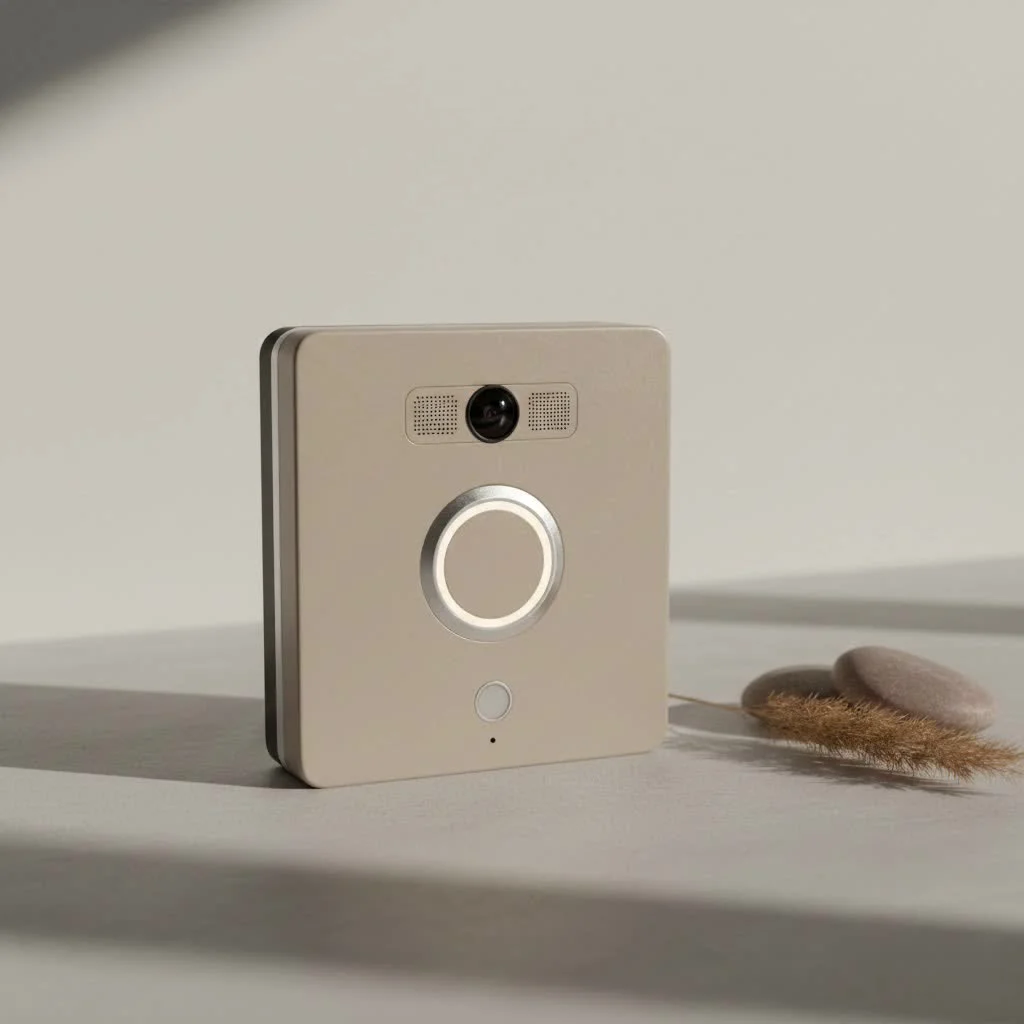
The desire for a smart doorbell in a rental property isn’t just about catching porch pirates; it’s about gaining peace of mind. Imagine knowing exactly who is at your door, whether you’re in the living room or on vacation halfway across the world. You can communicate with delivery drivers, screen unexpected visitors, and keep an eye on your entryway—all without drilling a single hole or calling an electrician. This guide will walk you through everything a renter needs to know to choose, install, and optimize a smart doorbell that respects your lease and enhances your safety. For complete smart home library on this site.
Understanding Renter-Friendly Smart Doorbells
The beauty of modern smart doorbells lies in their adaptability. They’re no longer solely for homeowners with existing wiring and a drill in hand. For renters, the focus shifts to solutions that offer maximum security with minimal fuss and no permanent alterations.
The Renter’s Dilemma: Security vs. Lease Agreements
One of the first hurdles for any renter considering a smart home upgrade is the lease agreement. Landlords often have strict rules about drilling into walls, altering property, or installing anything on the exterior. This is why “renter-friendly” means a smart doorbell that leaves no trace behind when you move out.
Beyond physical modifications, there’s also the crucial aspect of privacy. In apartment complexes, hallways and shared entrances mean your camera’s field of view needs careful consideration. You’ll want a doorbell that allows you to customize motion detection zones, ensuring you’re only monitoring your immediate doorway and not infringing on a neighbor’s privacy. Always review your lease and, when in doubt, a quick conversation with your landlord about a non-damaging security enhancement can prevent future headaches.
Key Features Renters Should Look For
When you’re shopping for a smart doorbell as a renter, certain features become non-negotiable for a hassle-free experience:
- No-Drill/Easy Installation: This is paramount. Look for devices that use strong adhesives, specialized mounting brackets that hook onto your door, or those that replace your existing peephole. The goal is to install and remove it without leaving a mark.
- High-Quality Video & Two-Way Audio: Clear HD video (1080p, 2K, or even 4K) is essential for identifying visitors and packages. Two-way audio allows you to speak with guests, delivery personnel, or even deter unwanted callers directly from your smartphone, regardless of your location.
- Motion Detection with Custom Zones: Advanced motion detection alerts you to activity near your door, even if someone doesn’t ring the bell. Crucially for renters, many models allow you to define “activity zones,” so you can exclude busy hallways or adjacent doors from triggering constant alerts.
- Reliable Battery Life & Power Options: Since hardwiring isn’t always an option for renters, battery-powered models are kings. Look for devices with long-lasting batteries (often several months on a single charge) and easy recharging methods, like removable battery packs or USB-C charging. Some battery models can also be optionally wired if your rental does happen to have existing doorbell wires.
- Flexible Storage Solutions (Cloud vs. Local): Smart doorbells typically record events. Consider whether you prefer cloud storage (usually subscription-based for continuous recording and longer history) or local storage via an SD card (no ongoing fees, but you need to retrieve the card to access footage). Many brands offer a free tier for basic event recording.
- Smart Home Integration: If you’re already in a smart home ecosystem like Google Home or Amazon Alexa, choose a doorbell that integrates seamlessly. This allows for voice commands, streaming video to smart displays, and creating automated routines.
- Portable and Reusable: A truly renter-friendly smart doorbell is one you can easily take with you to your next place. This saves you money in the long run and ensures continuous security.
Types of Smart Doorbells Perfect for Rentals
Not all smart doorbells are created equal, especially when it comes to rental properties. Here are the most popular types that cater specifically to the renter’s needs:
Battery-Powered Wireless Doorbells
|
Our Picks for the Best Smart Doorbell in 2026
As an Amazon Associate I earn from qualifying purchases.
|
||
| Num | Product | Action |
|---|---|---|
| 1 | 1080p Smart Video Doorbell Camera with AI Motion Detection, Night Vision, Cloud Storage, 2 Way Audio, Battery Powered, 2.4GHz Wi-Fi Only |

|
| 2 | 1080P Smart Wireless Video Doorbell Camera with AI Motion Detection, Night Vision, Two-Way Talk, Cloud Storage, Indoor/Outdoor Surveillance, Battery Powered, 2.4GHz Wi-Fi |
|
| 3 | Anti-Theft Video Doorbell Mount Compatible with Arlo Video Doorbell/Blink Doorbell Camera, Anti-Blocks Motion Sensor, Adjustable Mounting Bracket Accessories for Houses/Apartments/Rentals-Silver |
|
| 4 | ecobee Smart Video Doorbell Camera (Wired) - with Industry Leading HD Camera, Smart Security, Night Vision, Person and Package Sensors, 2-Way Talk, and Video & Snapshot Recording |
|
| 5 | Google Nest Doorbell (Wired, 3rd Gen) - 2K Video and Gemini, Live View, Night Vision, 2-Way Audio - Works with Google Home - 2025 Model - Snow |
|
| 6 | Tapo by TP-Link Smart Video Doorbell Camera Wireless with Chime, 2K with Full Color Night Vision & Spotlights, No Monthly Fee, Ring Call, 160° Ultra-Wide View, Free AI Detection, Local Storage,D210 |
|
| 7 | Google Nest Doorbell (Wired, 3rd Gen) - 2K Video and Gemini, Live View, Night Vision, 2-Way Audio - Works with Google Home - 2025 Model - Hazel |
|
| 8 | Tapo TP-Link Smart Video Doorbell Camera, Chime Included, 2K 5MP, Color Night Vision, 2-Way Audio, Free AI Detection, Cloud/SD Card Storage, Works w/Alexa & Google Home, D230S1 |
|
| 9 | Tapo by TP-Link Smart Video Doorbell Camera with Chime, Battery or Wired, 2K QHD Color Night Vison, No Monthly Fee, 180° Ultra-Wide Head-to-Toe View, Ring Call, Free AI Detection, Local Storage (D225) |
|
| 10 | Arlo Video Doorbell 2K (2nd Gen, Latest Release), Wireless or Wired Option, 2-Way Audio, Night Vision, Head to Toe Video View, Package Detection, Person & Vehicle Recognition, 1-Month Secure Plan |
|
These are the most common and versatile choice for renters. They operate on rechargeable batteries, eliminating the need for any electrical wiring.
- Pros: Extremely easy to install (often with just adhesive or a few non-damaging screws), no need for existing wiring, highly portable. Many come with an indoor chime that plugs into a standard outlet, so you’ll hear the bell even without your phone nearby.
- Cons: Batteries need regular recharging (though intervals can be months), and some users might experience slight lag compared to wired models if Wi-Fi isn’t robust.
Peephole Cameras
A genius solution for apartments with an existing door peephole, these devices replace your traditional peephole with a smart camera.
- Pros: Absolutely no drilling or permanent modification required, as they utilize the existing hole. They offer a discreet security solution and are ideal for units where exterior changes are strictly prohibited.
- Cons: Requires an existing peephole, so not suitable for all doors. The camera view is typically limited by the peephole’s position. Brands like Ring offer popular peephole cam options.
Adhesive or Clip-On Mounts
For the ultimate temporary solution, some doorbells or mounts utilize heavy-duty adhesive strips or a clever clip-on design that attaches to the side of your door.
- Pros: Super quick and easy to install and remove, perfect for short-term rentals or those with extremely strict landlord policies.
- Cons: May not be as secure or tamper-resistant as other mounting methods, and the adhesive might not hold up in extreme weather or over long periods. Ensure the adhesive is designed not to damage paint or finishes.
“Choosing the right mounting method is paramount for renters,” advises Sarah Jenkins, a Smart Home Security Consultant at Boctj.com. “You want something that’s sturdy enough to protect your home but gentle enough to leave your deposit untouched.”
Top Smart Doorbell Brands & Models for Renters
The market is rich with options. Here are some of the top brands and specific models often favored by renters:
- Ring Peephole Cam: This is a standout for apartment dwellers, as it directly replaces your existing peephole. It’s battery-powered and offers all of Ring’s essential features, like HD video and two-way talk, without any drilling.
- Google Nest Doorbell (Battery): A fantastic option for Google Home users, this battery-powered doorbell offers excellent video quality, smart alerts, and seamless integration with the Google ecosystem. It can be installed wirelessly.
- Wyze Battery Video Doorbell: Known for its affordability and robust features, the Wyze doorbell is wire-free, easy to install, and provides clear HD video, motion detection, and flexible chime options.
- Eufy Video Doorbell (Battery): Eufy offers compelling battery-powered models with 2K HD video, long battery life, and often local storage options, which means no monthly subscription fees for video history.
- Blink Video Doorbell: A budget-friendly and fully wireless option that integrates well with Amazon Alexa. It’s known for its long battery life and straightforward installation.
- Arlo Essential Video Doorbell (Wireless): This doorbell provides high-quality video, a wide field of view, and a built-in siren for added security, with a battery-powered option that’s great for renters.
- Tapo Smart Video Doorbells: TP-Link’s Tapo line offers several battery-powered options (like the D210 and D225) that are easy to install, provide 2K video, and integrate with smart assistants.
- Kangaroo Video Doorbell: An excellent budget-friendly choice with simple adhesive mounting, offering motion detection and push alerts.
Each brand has its unique strengths, so consider what features are most important to you – whether it’s crystal-clear 4K video, extended battery life, or integration with your existing smart home setup.
Installation and Setup: A Renter’s Guide
Installing a renter-friendly smart doorbell is surprisingly straightforward. The key is to prioritize non-invasive methods and always be mindful of your lease.
Before You Begin: The Landlord Talk
Even with a no-drill option, it’s always best practice to communicate with your landlord. Explain that you’re installing a temporary, non-damaging security device that will be removed when you leave. Emphasize the benefits of increased security for your unit, which can also be a deterrent for the entire building. Most landlords will appreciate your proactive approach to safety.
Step-by-Step for No-Drill Installation
Let’s break down a general approach for most renter-friendly installations:
- Preparation is Key:
- Charge Your Device: Fully charge the battery before installation.
- Download the App: Install the manufacturer’s app on your smartphone and create an account.
- Test Wi-Fi Signal: Ensure you have a strong Wi-Fi signal at your front door. A weak signal can lead to delayed notifications or poor video quality. Consider a Wi-Fi extender if needed.
- Clean the Area: For adhesive mounts, thoroughly clean the surface where the doorbell will be placed. Use an alcohol wipe and let it dry completely for optimal adhesion.
- Mounting the Bracket/Device:
- Adhesive Mounts: Peel the backing off the adhesive strips on the mounting plate (or the doorbell itself). Carefully align the mount and press firmly against the cleaned surface for several minutes. Follow manufacturer instructions for curing time before attaching the doorbell.
- Peephole Cameras: Unscrew and remove your existing optical peephole. Follow the specific instructions for your peephole camera to insert and secure the device through the door. This usually involves two halves that screw together from either side of the door.
- Clip-On/Over-Door Mounts: These typically slide over the top or side of your door and secure the doorbell to a plate that hangs in front of your door. No tools are usually required beyond tightening a few hand-screws.
- Sync with Your App & Wi-Fi:
- Once the device is physically mounted, follow the in-app instructions to connect your smart doorbell to your home’s Wi-Fi network. This usually involves scanning a QR code on the device or listening for a specific sound.
- Test the Camera, Alerts & Audio:
- Perform a thorough test. Ring the doorbell, trigger motion detection, and use the two-way audio feature. Check the video feed for clarity, angle, and responsiveness. Adjust settings as needed, especially motion detection zones, to prevent false alarms.
Optimizing Your Doorbell’s Performance
To get the most out of your smart doorbell, remember these tips:
- Wi-Fi Signal Strength: A robust Wi-Fi connection is critical. If your router is far from your door, a mesh Wi-Fi system or a range extender can significantly improve performance.
- Privacy Zone Setup: This is crucial for renters. Use your doorbell’s app to draw precise ‘activity zones’ that exclude shared hallways or neighboring properties, focusing only on your direct entrance.
- Battery Maintenance: For battery-powered models, set a reminder to check your battery level. Many apps will alert you when power is low. Regular, timely recharges ensure uninterrupted security.
Common Questions for Renters
Renters often have specific concerns about integrating smart technology. Here are answers to some frequently asked questions:
Can I use a smart doorbell without Wi-Fi?
No, the “smart” functionality of these doorbells relies entirely on a Wi-Fi connection to send alerts, stream video to your phone, and allow two-way communication. Without Wi-Fi, it would only function as a basic button (if it even has one) with no smart features.
Will a smart doorbell affect my security deposit?
Not if you choose a truly renter-friendly model and install it correctly. Opt for battery-powered, adhesive, or peephole camera options that require no drilling or permanent changes. When you move out, remove the device carefully, ensuring no residue or damage is left behind.
What if my apartment doesn’t have an existing doorbell?
This is where battery-powered smart doorbells shine! They don’t require any existing wiring. Many come with a portable indoor chime that you can plug into any wall outlet, ensuring you hear the doorbell even without your phone.
How do I charge a battery-powered doorbell?
Most battery-powered smart doorbells have rechargeable batteries that can last several weeks or months. You typically remove the doorbell unit from its mounting bracket and charge it indoors using a USB-C cable (like your phone charger). Some advanced models feature removable battery packs that can be swapped out for a fully charged one.
Are smart doorbells legal in apartments?
Generally, yes, smart doorbells are legal. However, your lease agreement and local privacy laws are the most important factors. Ensure your camera’s field of view is limited to your property and doesn’t capture excessive footage of shared spaces or neighbors’ doors. It’s always a good idea to inform your landlord and be mindful of privacy.
Conclusion
Embracing smart doorbell technology as a renter is no longer a futuristic dream but a practical reality. By understanding the types of devices available, focusing on renter-friendly installation methods, and being mindful of your lease and privacy, you can significantly upgrade your apartment’s security and convenience. The peace of mind that comes from knowing who’s at your door, managing deliveries, and screening visitors remotely is invaluable. So go ahead, choose the smart doorbell that fits your lifestyle, install it confidently, and enjoy a smarter, safer rental experience. Your front door just got a whole lot smarter, and your lease remains perfectly secure.
Smart home that does not lock you in
Free PDF — protocol compatibility matrix for 30 hubs and devices.
